

Preface#
This site contains a set of lecture notes (the “book”) for the Python components of IST-5551, Foundations of Computing and Programming for Data Science, offered by the Jaggi Business School at Missouri S&T in Rolla, Missouri. It was inspired in part by Dr. Allen Downey’s Think Python book.
At a Glance#
Each chapter in this book builds on the previous ones, so you should read them in order and take time to work on the exercises before you move on.
Part I: Fundamentals: Core Python concepts such as statements, expressions, operators, built-in data types, conditionals, loops, functions, exceptions, and testing.
Part II: Data Structures: Python’s main data structures – lists, tuples, dictionaries, and sets – along with strings, regular expressions, and text analysis.
Part III: Program Design: Object-oriented programming, functional programming, iterators, generators, and APIs.
Part IV: Algorithms & Data Structures: Abstract data structures, algorithm design, searching, and sorting.
Appendices: Practical setup topics such as tooling, Python installation, virtual environments, Jupyter notebooks, and related workflow tips.
How to Use This Book#
Each chapter section is an interactive Jupyter Notebook. You can:
Read through the rendered content
Interact with the code directly by downloading the notebooks locally or using Binder
Use the Live Code cells for practice
Live Coding#
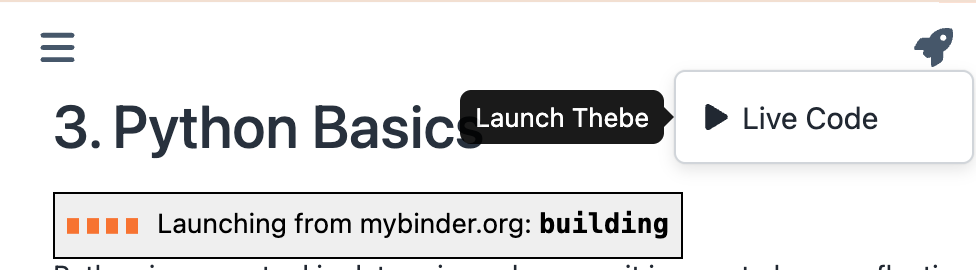
Some sections include exercises that support live coding. To enable them, click the Live Code button. It may take some time to launch a new session; wait until you see a “ready” message. The live coding cells let you practice the concepts and skills introduced in each section.
Credits#
Parts of these notes are adapted from Think Python by Dr. Allen Downey.
This work is licensed under the Creative Commons Attribution-NonCommercial-ShareAlike 4.0 International License.